Serenity Garden Font
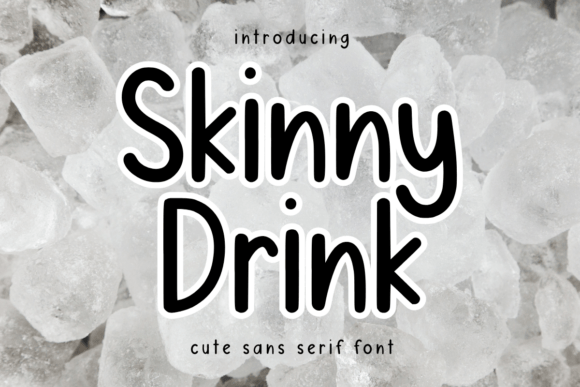
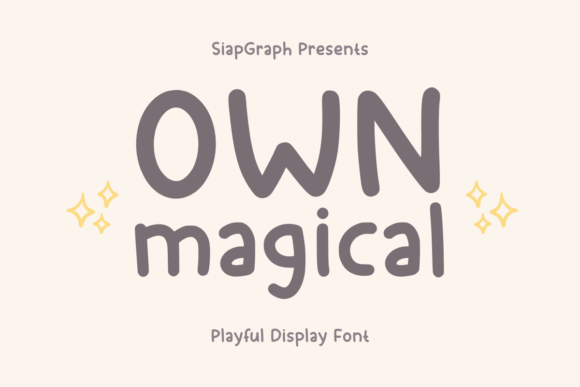
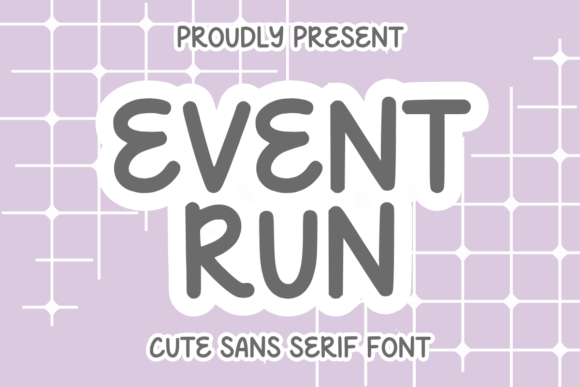
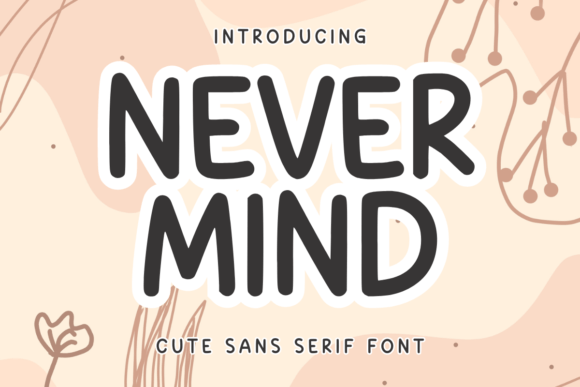
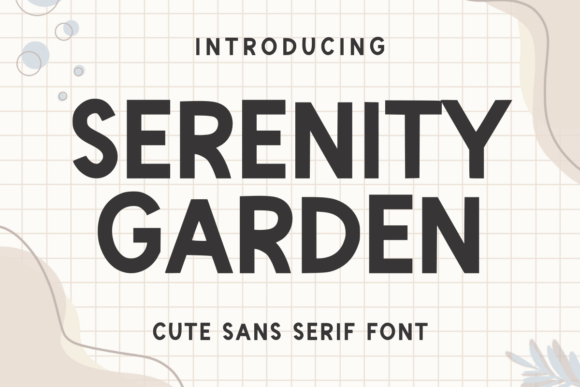
Serenity Garden is a cute and fun sans-serif font that brings a playful yet professional vibe to digital design. Its clean lines and soft curves make it ideal for web projects where readability and visual appeal go hand in hand. As a web designer, I appreciate how this font balances charm with functionality across various layouts.
Designed with uppercase, lowercase letters, and punctuation, Serenity Garden offers flexibility for both short phrases and longer text blocks. Its consistent stroke width and open counters ensure clarity on screens of all sizes, making it a reliable choice for headers, buttons, and decorative elements.
Visual Characteristics and Digital Appeal
Serenity Garden has a light, approachable personality that works well for brands targeting creative, feminine, or lifestyle audiences. The font’s rounded edges and gentle weight create a sense of warmth and accessibility, which can enhance user engagement on websites and landing pages.
Its versatility makes it suitable for a range of digital applications. Whether you're designing a blog header, an online store banner, or a social media graphic, Serenity Garden adds a touch of character without overwhelming the viewer. It pairs well with other fonts, allowing for dynamic typographic compositions that maintain visual balance.
Applications in Web Design
For website headers and hero sections, Serenity Garden shines as a display font. Its legibility at larger sizes makes it perfect for call-to-action buttons, promotional banners, and section titles. When used in small text, like button labels or footnotes, it still maintains a clean appearance, ensuring usability across different screen sizes.
On a creative portfolio site, Serenity Garden can be used for project titles or taglines, adding a personal and artistic touch. For a boutique online store, it works well in product headings, brand logos, or promotional text, helping to establish a cohesive visual identity.
Readability and Visual Hierarchy
When using Serenity Garden in web design, it's important to consider its role in visual hierarchy. As a display font, it excels at drawing attention to key elements such as headlines, CTAs, and featured content. However, it may not be the best choice for long-form body text due to its relatively light weight and decorative nuances.
To optimize readability, pair Serenity Garden with a simpler sans-serif font for body copy. This contrast helps guide the user’s eye through the page while maintaining a polished aesthetic. On mobile devices, ensure sufficient spacing between letters and lines to prevent crowding, especially when using the font on dark backgrounds or image overlays.
Brand Tone and User Engagement
Serenity Garden contributes to a brand’s tone by conveying a sense of creativity, positivity, and approachability. It’s particularly effective for businesses focused on wellness, fashion, or lifestyle content. Using this font in logos, social media graphics, or email newsletters can reinforce a brand’s personality and build trust with the audience.
For conversion-focused layouts, Serenity Garden can be used in CTA buttons to add a friendly and inviting feel. Its clean design ensures that the message remains clear, even when placed against complex backgrounds or layered with icons and images.
Font Pairing and Design Assets
When pairing Serenity Garden with other fonts, aim for complementary styles that enhance rather than compete. A simple sans-serif like Open Sans or Lato works well as a body font, providing a strong foundation for readability. For a more editorial look, consider combining it with a serif font like Georgia or Playfair Display.
Check the available weights and styles to determine how versatile Serenity Garden is for your project. If it includes alternate characters or ligatures, these can add subtle refinement to your designs. Ensure that the font supports multiple languages if your audience is global, and confirm that it’s available in webfont formats like WOFF or WOFF2 for seamless integration into websites.
Commercial Licensing and Practical Use
Before using Serenity Garden in client projects, online stores, or digital templates, verify the commercial license terms. Some fonts require separate licenses for web use or distribution, so it’s essential to review the permissions carefully. This ensures that your designs remain compliant and avoids potential legal issues down the line.
For branding purposes, Serenity Garden can be part of a broader design system, used consistently across websites, social media, and marketing materials. Its ability to adapt to different contexts makes it a valuable addition to any designer’s toolkit, whether for a personal project or a client’s digital presence.
Whether you're building a landing page, crafting a digital ad, or developing a branded web experience, Serenity Garden offers a unique blend of style and functionality. Its friendly appearance and clean structure make it a great choice for designers looking to add a touch of personality to their work while maintaining professionalism and clarity.